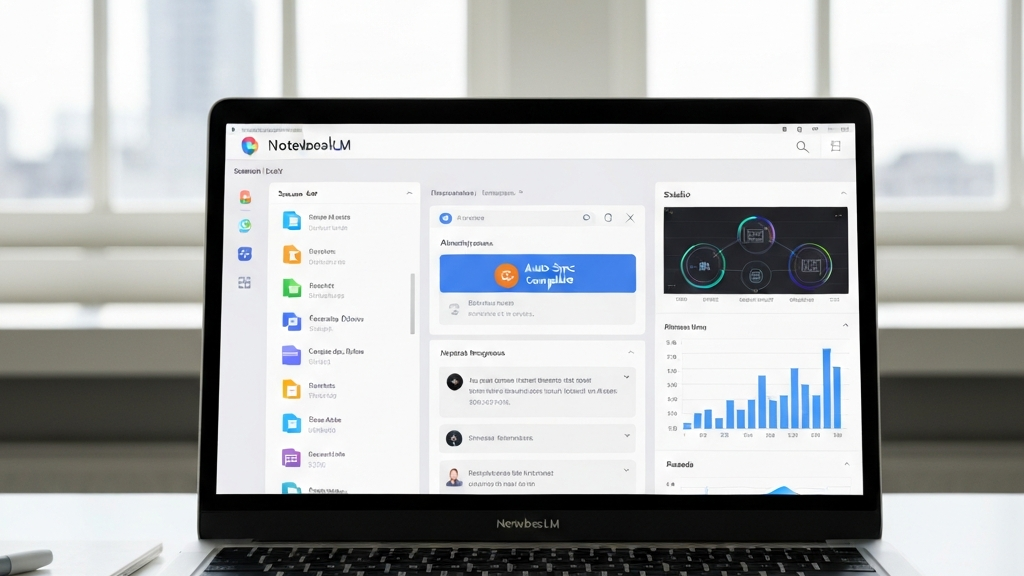
New NotebookLM Update
Google added a big feature to NotebookLM. Now the tool updates data from Google Drive by itself. This sounds simple, but it changes a lot.
Before, you had to delete old sources by hand. Then you uploaded the file again. This took time and caused mistakes.
Now NotebookLM sees changes in your documents. If you edit a file in Drive, the tool notices right away. You do not need to do anything manually.
This change makes NotebookLM work like a living knowledge base. Your data is always current. This saves a lot of time for businesses.
Our team at AI w Biznesie uses this new feature every day. We help clients set up smart automations. Now those automations use the latest info.
How Auto Sync Works
The auto sync works only with files in Google Drive. When you change a document, NotebookLM refreshes it. You do not have to add the source again.
Before this update, there was a big problem. You worked on old data. The AI did not know you changed a procedure or a price list. This caused wrong answers.
Now the system checks the file version by itself. If there is a newer one, it uses that for answers. This works for all document types in Drive.
AI w Biznesie recommends this function to its clients. Thanks to it, automations are more reliable. The system always uses current data.
What It Means in Practice
Imagine you have a guide for new employees. You update it often. Before, you had to upload the new version by hand.
Now you only need to change the file in Drive. NotebookLM notices it by itself. Your answers will always come from the newest version.
The same works for FAQs, instructions, or knowledge bases. Every change in a document is visible to the AI right away. This is a huge help.
One of our clients at AI w Biznesie used this for their employee handbook. They update it once a week. Now the AI always gives the right answers to new hires.
Features You Already Have
NotebookLM has many useful options. It is not just a chat with documents. You can create podcasts, videos, and mind maps.
The most important feature is the chat. The AI answers only based on your sources. It adds citations, so you can check the answer.
Most AI tools make up answers. NotebookLM does not do that. It always shows where it got the information. This builds trust.
Many businesses use this to avoid wrong information. AI w Biznesie teaches clients how to set it up. This makes their customer support much better.
Audio and Video
You can make a podcast from your documents. The AI creates a talk between two hosts. They discuss the main ideas from your files.
There are also explainer videos. One click gives you a short video. You can change the visual style. This is great for training.
Mind maps show connections between topics. You click on a branch and a chat opens. This is an interactive map of your knowledge.
AI w Biznesie uses audio overviews for its courses. Students listen to summaries instead of reading long texts. It saves time and makes learning easier.
Studio Panel
The Studio panel lets you create slides, infographics, and tables. Everything comes from your documents. One click gives you ready materials.
You can also make quizzes and flashcards. This helps with learning and training. All materials are based on your own sources.
Since April 2026, NotebookLM has three columns. Sources on the left, chat in the middle, studio on the right. This makes work easier.
Our team at AI w Biznesie uses the Studio panel to make training materials fast. It used to take hours. Now it takes minutes.
How It Helps in Business
Auto sync changes everything for companies. Every NotebookLM feature is now more useful. Data is always fresh.
AI w Biznesie sees three main uses. Onboarding new people, creating content, and preparing meetings. Here is how it works.
Onboarding New Employees
You have guides and FAQs in Google Drive. NotebookLM answers new employees’ questions. It uses the newest version of documents.
If you change a procedure, the AI knows right away. The new worker gets correct information. This shortens the training time.
Example from AI w Biznesie: we use this in our AI Profit Boardroom program. New members find answers faster. This improves their experience.
One client had a 40-page onboarding document. They update it every two weeks. With auto sync, new hires always get the latest info. Mistakes dropped by half.
Creating Content
NotebookLM helps generate content ideas. You upload your research and frameworks. The AI suggests titles and structures.
Thanks to sync, data is current. If you change your strategy, the AI knows. This saves time when planning content.
AI w Biznesie uses this to make videos. NotebookLM analyzes their best materials. It suggests topics that work.
For example, a marketing team used it to plan a blog series. They uploaded their customer research. The AI gave them ten headline ideas based on real data. No more guessing.
Preparing Meetings
Before a coaching meeting, you collect client questions. You keep them in a Google Doc. NotebookLM analyzes this data.
The AI finds the most common problems. It suggests three-step solutions. This becomes a ready agenda for the meeting.
Before, this took 30-45 minutes. Now it takes less than 2 minutes. All thanks to auto sync.
At AI w Biznesie, our coaches use this every week. They save 3 hours per week. This time goes to helping clients more.
Why This Changes How You Work
At first, auto sync looks like a small thing. In reality, it changes how you think about NotebookLM. It is no longer a one-time tool.
Now NotebookLM works like a knowledge layer. It is connected to live files in Drive. Always up-to-date, always ready to work.
AI w Biznesie sees huge potential here. Automations become more reliable. The system does not need manual care.
This change moves the tool from something you use sometimes to an infrastructure that works all the time. The AI always learns and updates.
When This Feature Makes Most Sense
It works best when documents change often. For example, procedures, price lists, or knowledge bases. Without sync, you would work on old data.
It is also great for teams. Many people edit the same files. NotebookLM always sees the newest version. This removes mistakes.
AI w Biznesie recommends this to anyone using AI in processes. It is a simple way to improve accuracy. And it saves time.
One logistics company used it for their shipping guide. The guide changes weekly. With auto sync, their support team gives correct answers every time.
Summary
The NotebookLM update is more than a new feature. It fixes a basic problem. Now the tool makes sense for working with live data.
If you use AI in business, you should check this out. Auto sync saves time and stress. Your answers are always current.
AI w Biznesie helps set up such solutions. We offer ready workflows and templates. This lets you focus on growing your business.
We believe this update is a game changer. It makes NotebookLM a true assistant for your daily work. Give it a try and see the difference.

No responses yet