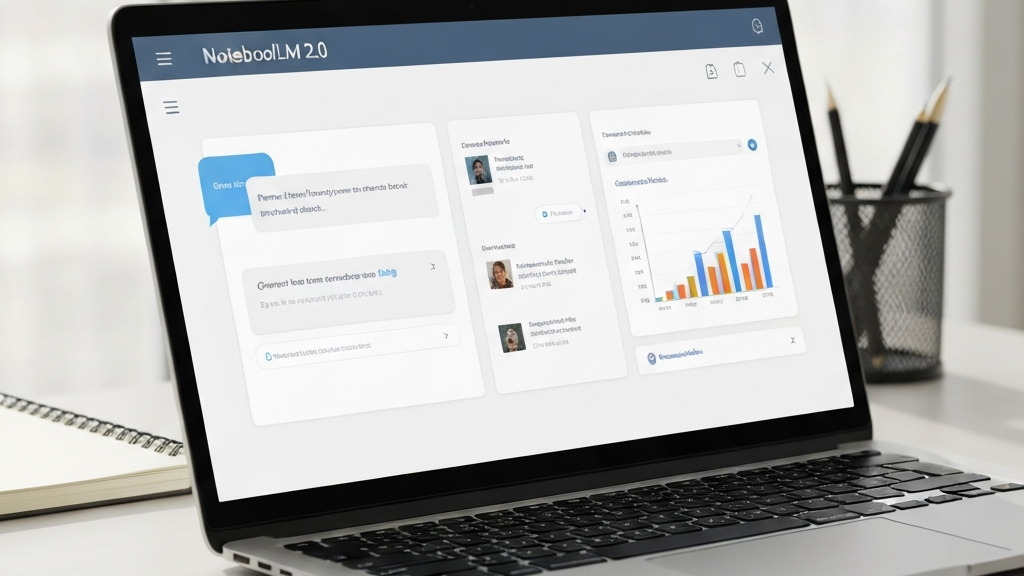
NotebookLM 2.0 – A New Way to Work with Data
NotebookLM 2.0 is a big step forward. It is not just a small update. It is a new tool for working with your materials.
Before, NotebookLM was like a notebook. You could read sources inside it. Now it can do more. It can create files and analyze your data.
The biggest change is simple. NotebookLM still uses your sources to answer. But now it can make new things from them. For example, presentations or spreadsheets.
Our team at AI w Biznesie sees a big chance here. This tool can help in daily work. It can speed up analysis and content creation.
What Is NotebookLM 2.0?
NotebookLM is a tool from Google. It helps you work with your materials. You can add PDFs, websites, videos, and audio files.
The main rule stays the same. The tool answers questions based on your sources. It does not search the whole internet for answers.
The new version uses the Gemini model. This makes it more accurate. It can also show you how it thinks. You can see where the answer came from.
One example from a video shows a person. They want to open a gym. They think about the business model. They create a notebook in NotebookLM about it.
They add sources about gyms. Then they create slides and infographics. Before, these files were static. You could not edit them easily.
Now it works differently. You can ask the chat for a file. For example, a presentation. You get a ready file to download. You can edit it in your favorite apps.
Key New Features in NotebookLM 2.0
Creating Files from Chat
This is a big new feature. You can now ask the chat to create files. Just say: „Make me a presentation.” In seconds you get a file.
The new files are ready to download. You can open them in PowerPoint. You can also put them into Google Slides. There you can change them freely.
The same works for Excel. Ask for a spreadsheet with forecasts. You get a file. You can edit it later in Google Sheets.
This solves an old problem. Before, output was often locked. Now you have real working files. You can share them with your team.
Better Source Suggestions
In the past, you had to add sources yourself. Now the chat can help. It looks at what you already have in the notebook.
It might say: „You are missing data about demographics.” Or: „Check the rules for renting space.” These suggestions come from your materials.
You can accept them. Then new sources go into the notebook. This is faster than searching by hand.
This makes NotebookLM act like a smart assistant. It understands your whole notebook. It finds gaps in your information.
Data Analysis on Your Own Files
The new NotebookLM can analyze your own data. It is not just for reading other people’s materials. It works with your numbers too.
In the video, there is an example. Someone has data on ad spending. They also have sales data. They ask the chat to compare them.
The chat shows which campaigns work best. It also creates a chart. You can see that more spending often leads to more sales.
Another example is a training log. Someone tracks their pull‑ups. They want to see progress over time.
They ask the chat for a chart. It shows they get stronger during training. When they travel and sleep badly, results drop.
This shows a new use case. The notebook can work with your personal data. For example, tracking sports results or project notes.
Why This Matters for Business
NotebookLM 2.0 moves from „learning from others” to „working on your own data”. Google still keeps the source‑based rule. Answers come from your materials only.
This is very different from normal chatbots. Those give answers without a clear link to documents. Here you can always check the source.
For business, this means more trust. You know where each fact comes from. You can verify the output quickly.
Also, the new export formats help. You can create reports, presentations, and charts. Then send them to your clients or team.
At AI w Biznesie, we see many uses. For example, a marketing team can compare ad data. They can ask for a summary and a chart. Then they can put that chart into a slide deck.
Another example is market research. You collect many sources. NotebookLM finds missing topics. It suggests adding new data. Then it creates a full report.
This saves time. You go from data to decision much faster. You do not need to jump between many tools.
Who Should Use NotebookLM 2.0
This tool is for many people. It is for those who make reports, offers, and presentations. It is for analysts who want quick insights.
It is for content creators who work with many sources. They need a summary and a finished file. It is for anyone with their own data.
If you have a personal knowledge system, try it. Upload your notes, training logs, or project files. Ask the chat to find patterns.
Our team at AI w Biznesie recommends it. It can help in analysis and content creation. It saves time and keeps work clear.
Conclusion
NotebookLM 2.0 is a big step forward. The tool is no longer just for reading. It is for working with data and creating files.
The new features include file creation from chat. Better source suggestions are also there. And analysis of your own data is now possible.
If you have a lot of materials, this tool can help. It can move from data to decisions quickly. It can create ready‑to‑use files.
Remember that the tool still uses your sources. This gives safety and trust in the answers. You can always check where the information comes from.
Try the new NotebookLM. It might change how you work with data.

No responses yet