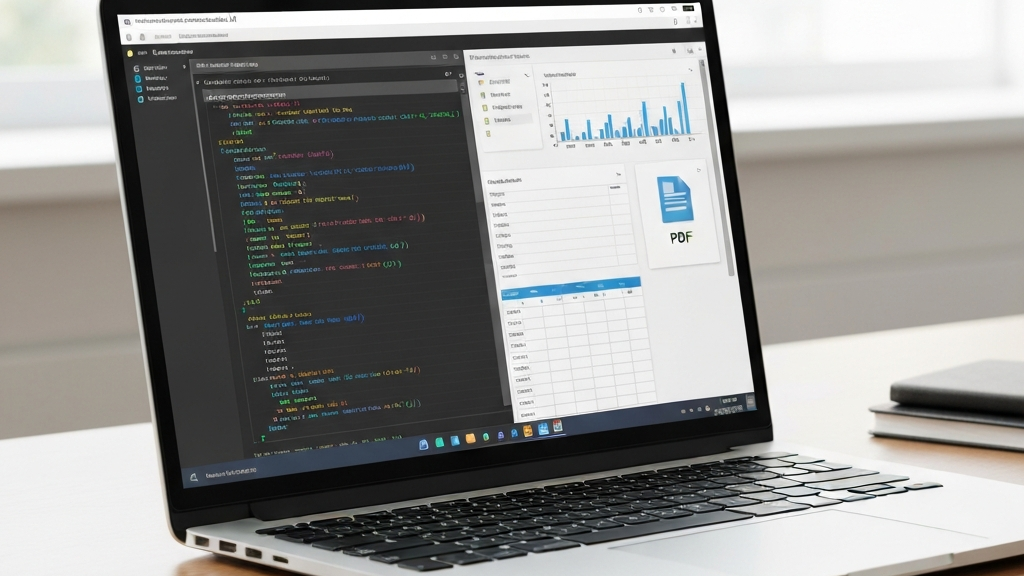
NotebookLM Can Now Write and Run Code
Google just gave NotebookLM a big update. This tool works with documents. Before, it mostly read your files. Now it can look at them and change them.
The biggest new thing is this: each notebook has its own safe computer online. NotebookLM can write code and run it. This changes how the tool works completely.
Google also added over 100 ready‑to‑use coding skills to NotebookLM. Now you can do really complex tasks. You do not need to move data between different programs.
What Exactly Changed in NotebookLM
Data Analysis and Cleaning Sheets
Imagine you have a messy Excel sheet. Sales data from different countries. Each country wrote numbers in a different style. NotebookLM can clean it up. It will make formats the same and do the math.
You get back a ready-to-use sheet. This is not just reading data. It is real work with the numbers. You can use these results right away in your project.
Creating Finished Files from Your Sources
Now you can ask NotebookLM to build something new. For example, a PDF report with charts and tables. Or an Excel sheet with calculations. You can also create a PowerPoint presentation, CSV files, or JSON files.
Even pictures are made right inside the tool. This works through a feature called Nano Banana. You give clear instructions. NotebookLM does the task and you download the finished file.
After it creates, you can edit the results. This means you do not have to start from scratch in another program. Most of the work can be done in one place now.
How It Works Under the Hood
Gemini 2.0 Engine and More Transparency
NotebookLM now runs on the Gemini 2.0 model and Antigravity technology. This gives it more ability. Most importantly, you can now see more of the machine’s thinking steps.
Before, you only got the answer. Now you see how the machine reached its conclusion. This helps you understand the results better.
Google’s Test Results
Google tested the new version against the old one. In five main areas, the new version won more than 65% of the time. It did especially well on web research. There, it won 78% of tests.
These numbers show the update is really important. This is not a small improvement. It is a big jump in quality.
A New Way of Working with Projects
Start with a Loose Idea
Until now, NotebookLM needed you to bring ready sources. You needed a plan and materials. Now you can start with just an idea. The tool will help you build a set of sources.
The system uses Google Search. It finds high‑quality sources from the web. It could be an article in a foreign language. Or the work of an author you just met. NotebookLM will find them and add them to your notebook.
You still decide what goes into your set. You keep control over your base. This way, the results stay trustworthy.
Real‑Life Examples
Google showed a few scenarios. A data analyst gets different data from different countries. NotebookLM organizes it, does the analysis, and gives a ready PDF report. This task used to need three different tools.
A program manager has a thick technical spec. They want to turn it into a simple guide and a team presentation. NotebookLM creates both from the same materials. It saves time and effort.
A small gym owner wants to check if a ad campaign was worth it. They mix sales data with ad costs. NotebookLM does the math and shows the result. This helps make a decision about growth.
These examples all have one thing in common. Before, you needed several programs for these tasks. Now you do everything inside NotebookLM.
What This Means for You and Your Business
Saving Time and Making Fewer Mistakes
If you used NotebookLM only for reading and note‑taking, now you can do more. Instead of copying results to Excel or PowerPoint, you do it all in one place. You stop moving data by hand.
This lowers the chance of errors. You don’t have to copy numbers or formats again. NotebookLM does it for you.
NotebookLM vs Gemini – What’s Different
You might ask: can’t you do the same in Gemini? Some of it, yes. But NotebookLM is better when working with your own sources. You have more control over what goes into the analysis.
You also see how the machine got to the result. This helps check if things are correct. For businesses and professionals, this is a huge difference.
Who Benefits Most from This Update
The change is important for many groups. For people doing research. For analysts who work with data. For operations teams and consultants. For content creators.
NotebookLM is starting to enter an area that used to need many tools. You needed a search engine, a spreadsheet, a text editor, and a presentation maker. Now most of that is done in one place.
Companies like AI w Biznesie work with similar solutions. They show how to use these tools in daily work. This helps teams work faster and better.
When and Who Can Start Using It
Right now, the new features are only for Ultra subscribers. That is the most expensive plan. Google said it will later add them to Pro and other plans. Sadly, no specific date was given.
If you do not have access, you have to wait a little. But it is good to be ready. When the features become common, they will change how many people work.
Google also lowered the price of the AI Plus plan. Now it costs $4.99 per month instead of $7.99. You also get double the storage: 400 GB instead of 200. This is a good deal for people who need more space.
What’s Next for Google’s Models
NotebookLM is not the only new thing from Google. The company is also preparing an update for the Gemini 2.5 Pro model. It aims to compete with new models from OpenAI and others.
But tests show that Google’s models still have problems. For example, they can be lazy when writing code. Programmers may find it hard to work with the new model. This could be a problem for Google among developers.
Prices and tool updates are one thing. But the model itself is most important. If it is not good enough, everything else matters less. Google must fix this to stay competitive.
Even with criticism, I believe Google can come back. They have great engineers and huge resources. They just need to focus on fixing key problems. Like code quality and reliability.
For now, the safest way is to test both options. Use Google’s tools, but also check the competition. Then you make the best choice for yourself and your business.
Summary
The NotebookLM update is a big step forward. The tool stops being just a reader. It becomes an active part of the work process. It can write code, analyze data, and make finished materials.
For businesses and professionals, this is a huge time saver. Less moving of data between programs. Less manual work. More time to think and make decisions.
AI w Biznesie helps companies set up such tools. They show how to use AI for automation and better results. This is an investment that pays back quickly.
If you have access to the new NotebookLM, try it. Start with a small project. See how it works on your data. Find out how much you can now do in one place.
The future of working with AI is heading towards tools like this. They combine search, analysis, and creation. This means we will need fewer apps. And we will spend more time on what really matters.

No responses yet